Why Screenshot Your Boarding Pass After Check-In
As participants in Amazon Associates and other programs, we earn from qualifying purchases. This comes at no additional cost to you. For more details, see our Affiliate Disclosure.
Modern air travel has become a masterclass in digital dependency, with millions of passengers trusting airline apps, email confirmations, and mobile wallets to carry them seamlessly from curb to gate. The convenience is undeniable — check in from your couch, skip the kiosk, and flash your phone at the scanner without ever touching a paper slip. For most travelers, this frictionless experience feels like the future of flying finally delivered.
What that confidence rarely accounts for, however, is the precise moment your phone loses signal inside a crowded terminal, your airline app crashes mid-queue, or your battery dips to 3% just as the gate agent asks for your credentials. These aren’t edge-case disasters — they’re routine travel friction points that can derail even the most organized itinerary. The simple habit of taking a screenshot boarding pass immediately after check-in closes that vulnerability before it ever opens.
A Saved Screenshot Is Your Offline Insurance Policy at 30,000 Feet
When you screenshot your boarding pass, you’re creating a static, locally stored image that requires zero internet connectivity, zero app functionality, and zero carrier signal to display. This matters enormously at TSA checkpoints, where TSA security screening officers verify your identity and flight details in seconds — they cannot wait for a spinning loading screen. A saved screenshot renders instantly, keeping the line moving and your stress levels manageable.
Beyond the checkpoint, your screenshot also preserves a timestamped record of your seat assignment, flight number, and gate information at the exact moment of check-in. This becomes critical documentation if an airline later claims you were a no-show or attempts to reassign your seat — a situation where having boarding pass data errors on record can be the difference between a resolution and a runaround.
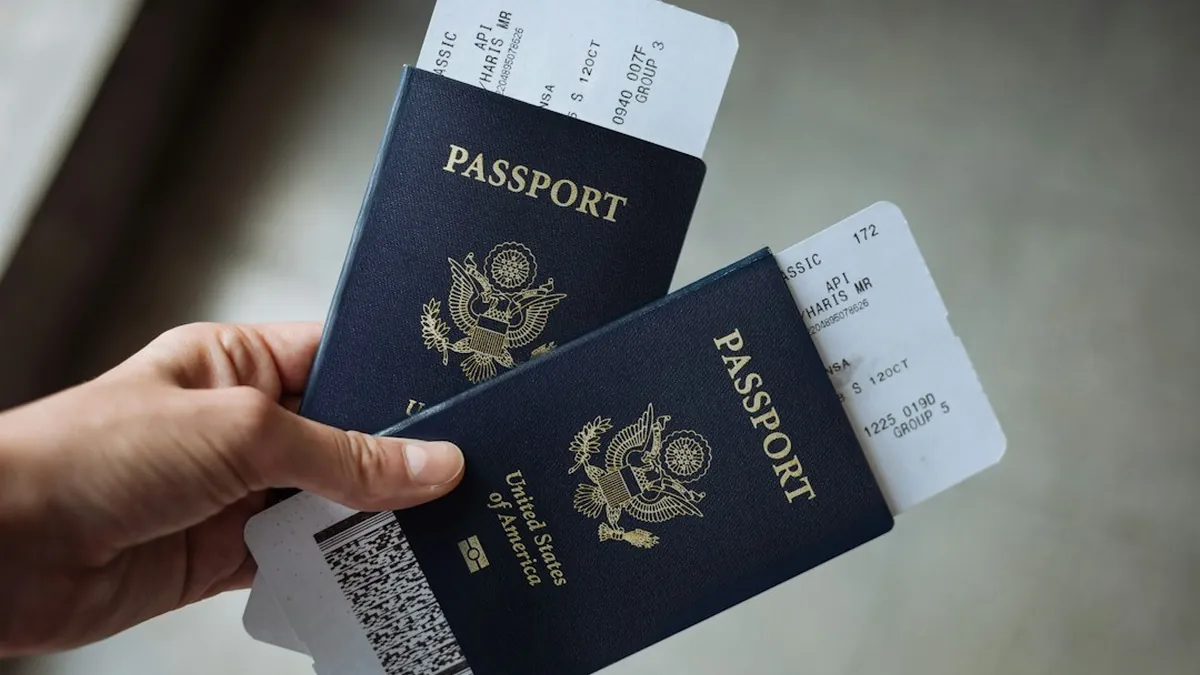
Screenshots Outperform Airline Apps When Disputes and Dead Zones Collide
Airline apps are genuinely useful tools, but they carry a hidden dependency chain — server uptime, software updates, and account authentication all have to work simultaneously for your pass to display. Digital wallets like Apple Wallet or Google Pay are more reliable offline, but they can still fail after an OS update wipes a cached pass or a sync error corrupts the file. A screenshot, by contrast, is a dumb, beautiful, indestructible image that lives in your camera roll regardless of what the cloud is doing.
One critical caution, however: your boarding pass contains personally identifiable information — name, confirmation code, and sometimes frequent flyer data — that falls squarely under PII definitions outlined by NIST Special Publication 800-122. Sharing that screenshot casually on social media or leaving it visible in an unlocked phone exposes you to real security risks, so treat it with the same discretion you’d apply to your passport. For a deeper look at how exposed boarding pass data gets exploited, the boarding pass security risks breakdown is essential reading before your next trip.
Taking a screenshot boarding pass immediately after online check-in is a 2-second habit that delivers outsized protection against connectivity failures, app crashes, and documentation disputes. It’s not about distrusting technology — it’s about understanding exactly where that technology breaks down and having a zero-effort backup already in place. Drop your own airport close-call stories in the comments below — we’d love to hear how a simple screenshot saved (or could have saved) your travel day.